
Proxyjak White Core Semi-Gloss Paper for MTG Proxies
A practical look at Proxyjak’s treated inkjet white core semi-gloss cardstock for MTG proxies, tested with an Epson ET-8550 and real sleeve-feel notes.
Proxy paper is where a lot of home MTG proxy setups either start feeling good or fall apart completely.
A printer can be great, the image file can be sharp, and the cutter can be perfect, but if the stock is too flimsy, too sticky, too thick, or too glossy in the wrong way, the finished card still feels off.
This test looks at Proxyjak’s Inkjet Proxy Cardstock, White Core, Semi-Gloss, MTG Card Feel. It is a treated 300gsm white core cardstock made for inkjet proxy printing, tested on an Epson EcoTank Photo ET-8550.
The short version: the print quality is strong, the colors are good, the paper has real spine, and the bulk price is tempting. The problem is thickness. At around 0.38mm, this is better for mixing a few proxies into a real deck than printing an entire Commander deck on the same stock.
That does not make it bad. It just means it has a very specific best use.
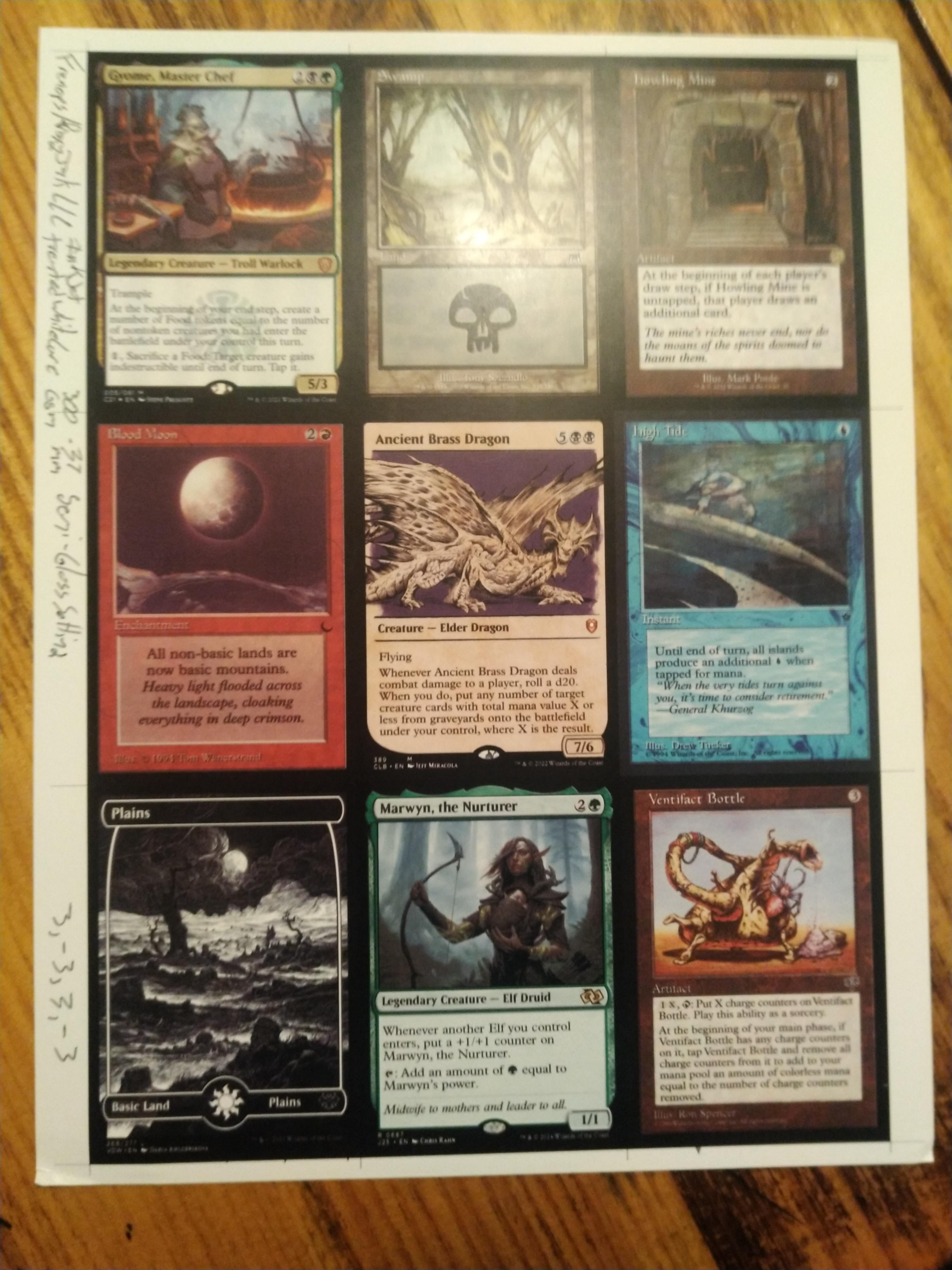
The Tested Setup
The printer was an Epson ET-8550, which is already one of the more interesting home proxy printers because it is a six-color photo-focused EcoTank. It is not cheap, but if you are printing a lot of card art, the ink tank setup makes more sense than burning through cartridges.
The paper was Proxyjak’s treated white core semi-gloss inkjet cardstock. The program was MTGProxyPrinter. No ICC profile was provided, so this was not a fully color-managed paper workflow.
| Part | Setting or product |
|---|---|
| Printer | Epson EcoTank Photo ET-8550 |
| Paper | Proxyjak treated inkjet white core semi-gloss cardstock |
| Program | MTGProxyPrinter |
| Paper type setting | Premium Photo Paper Semi-Gloss |
| Quality | Standard |
| Quiet print | On |
| ICC profile | None provided |
| Ink compatibility | Dye compatible, not pigment compatible |
The dye-only note matters. A lot of people see “inkjet” and stop reading. That is a mistake. Inkjet does not automatically mean every inkjet ink behaves well on every coated stock. If your printer uses pigment ink for the parts that matter, test carefully before buying a large pack.
The Epson Color Settings
The color adjustment used Epson Vivid with a few manual changes. This is exactly the kind of settings block worth saving because it gives a real starting point instead of “just adjust until it looks good.”
| Epson Vivid adjustment | Value |
|---|---|
| Brightness | 3 |
| Contrast | -3 |
| Saturation | 3 |
| Density | -3 |
The prints came out with good blues, yellows, and greens, plus solid blacks and deep reds. That is a good sign for this paper. Many home proxy papers fail hardest on black borders and rich reds.
The finish does have a mild plasticky look from certain angles. That is not shocking for a treated semi-gloss stock, but it is worth knowing before buying it. Semi-gloss can look clean and still feel a little less natural than true card stock.
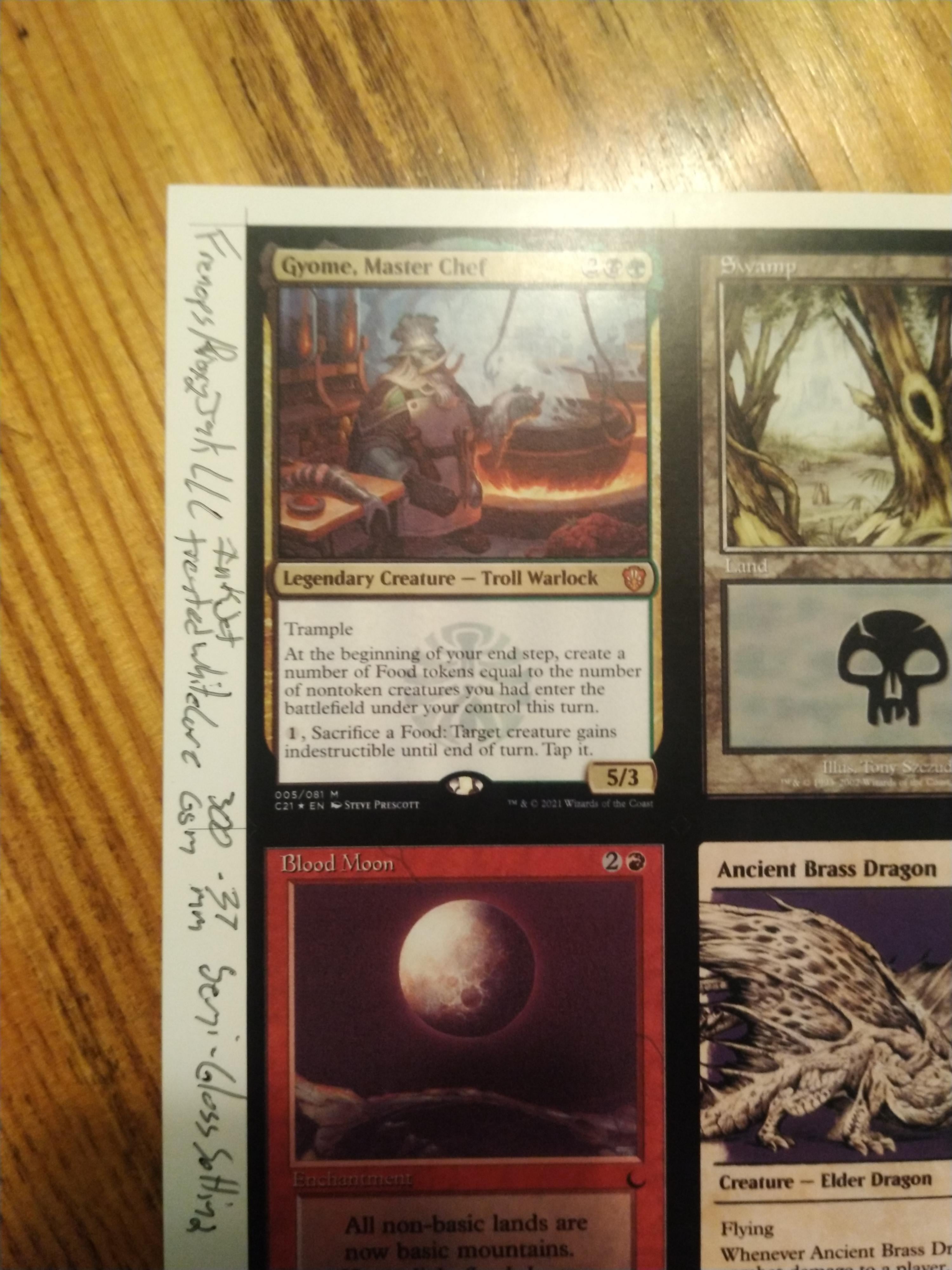
The Feeder Trick
One practical issue showed up immediately: single sheets were difficult to feed.
The workaround was putting a thin plain sheet behind the proxy paper. That helped the Epson pull the cardstock through. The printer also carried the thin backing sheet through the feed path, which is worth knowing if you test the same trick.
This is the kind of small detail that saves frustration. Thick specialty paper often behaves badly one sheet at a time. If your printer refuses to grab it cleanly, the paper may still be usable. It may just need feed support.
I would still test slowly. Specialty paper plus feeder tricks can go from “working” to “jammed” fast if the printer path is not happy.
8 Cards Landscape vs 9 Cards Portrait
The seller recommends printing 8 cards in landscape for better rigidity. The tester printed 9 cards in portrait.
That is not just a layout preference. Paper grain matters. If the card is cut against the better direction, the spine can feel weaker. The 8-card landscape layout loses one card per sheet, but it may improve rigidity because of how the grain runs.
| Layout | Upside | Tradeoff |
|---|---|---|
| 9 cards portrait | Better sheet efficiency | May not use the paper grain in the best direction for snap. |
| 8 cards landscape | Seller-recommended for rigidity | Costs one card per sheet. |
If I were testing this paper, I would print the same card both ways before deciding. Losing one card per sheet sounds annoying until it fixes the main feel problem.
How It Looks
Visually, this paper does a lot right.
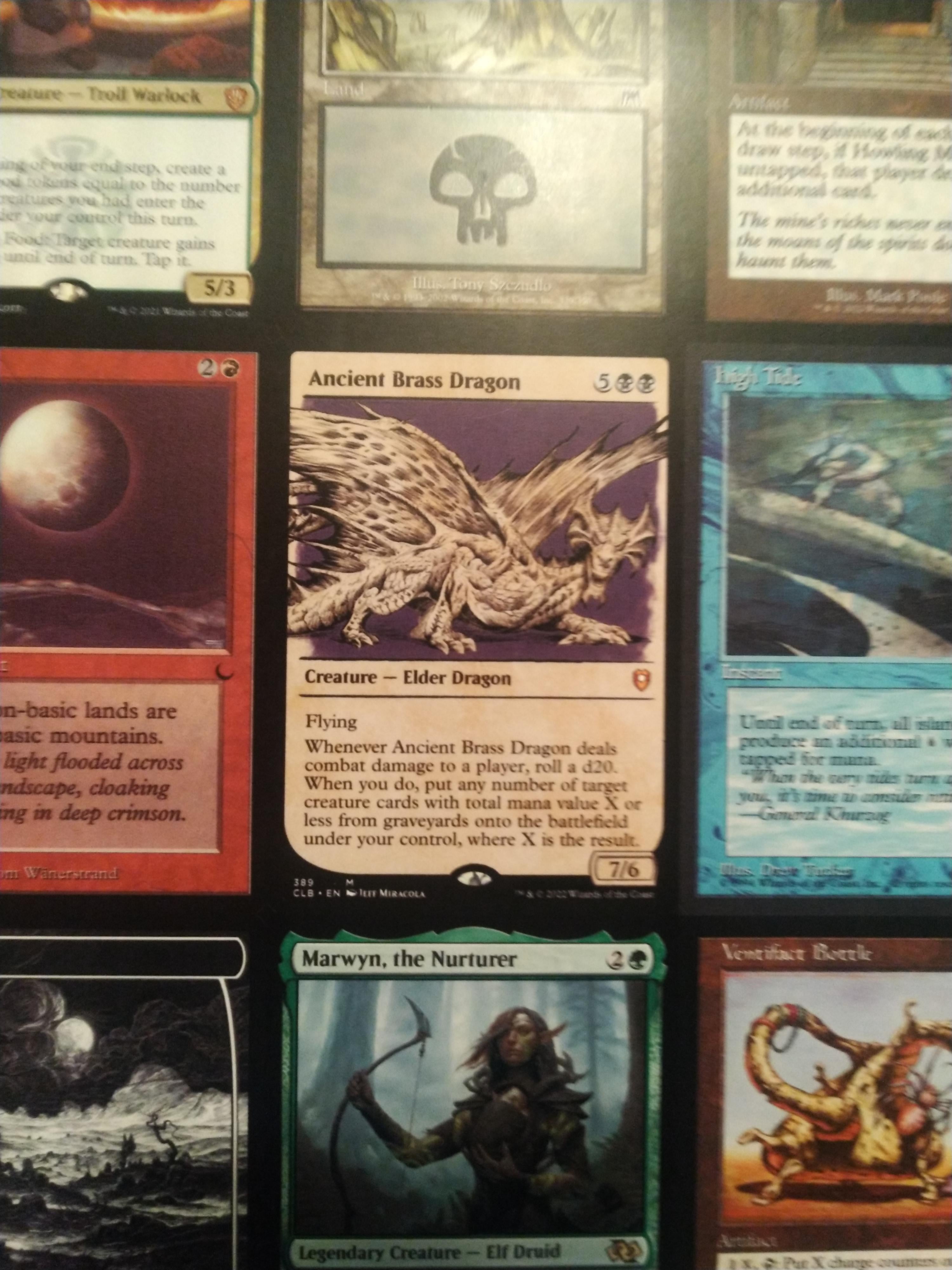
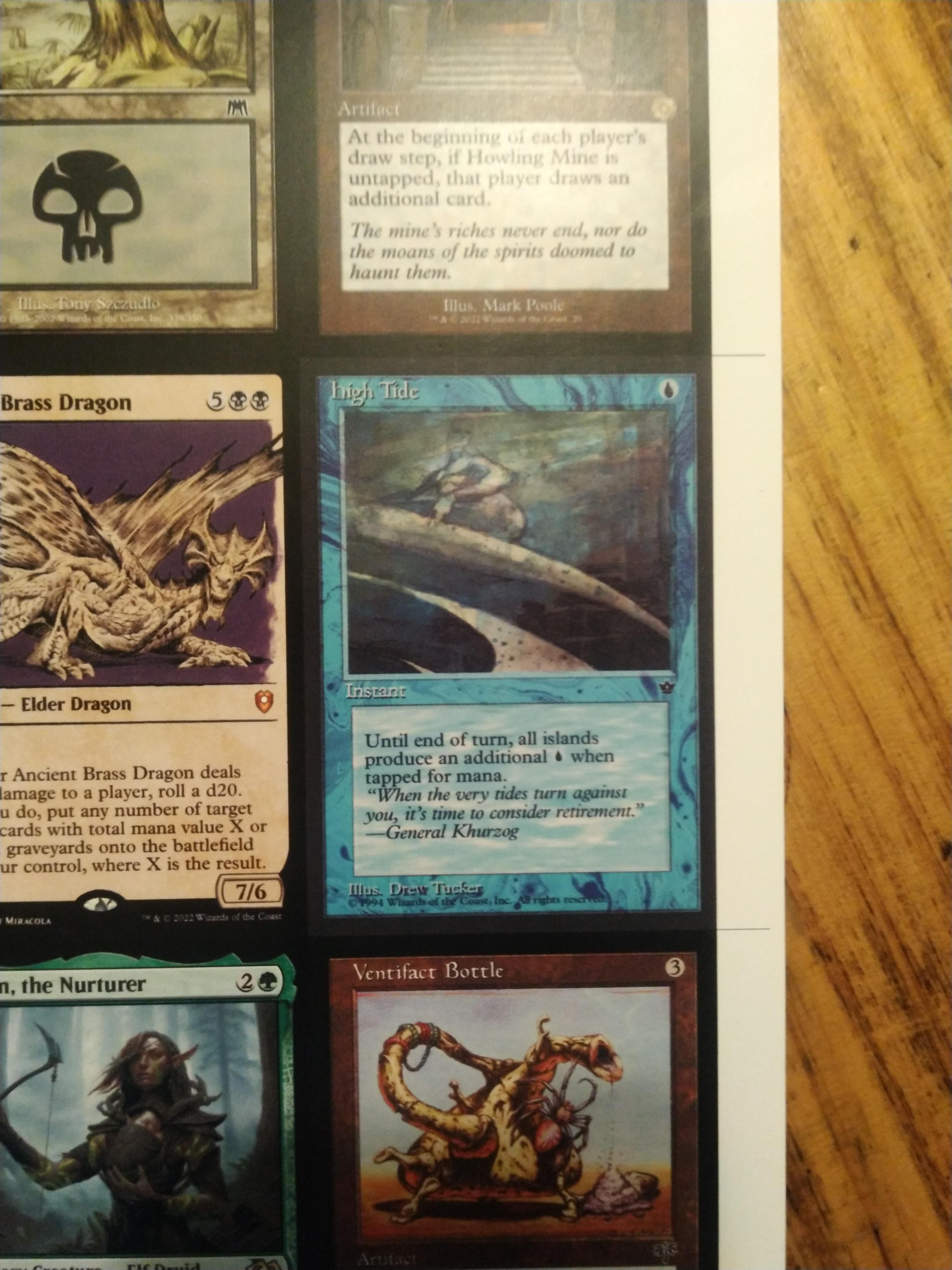
The colors are strong. The blacks are solid. Reds go deep enough to feel convincing. The semi-gloss finish gives the art some pop without going full mirror-gloss.
The two things to watch are the surface and the roller marks. The paper can look mildly plasticky from certain angles, and mild roller marks were visible in certain lighting. Not always, not everywhere, but enough to mention.
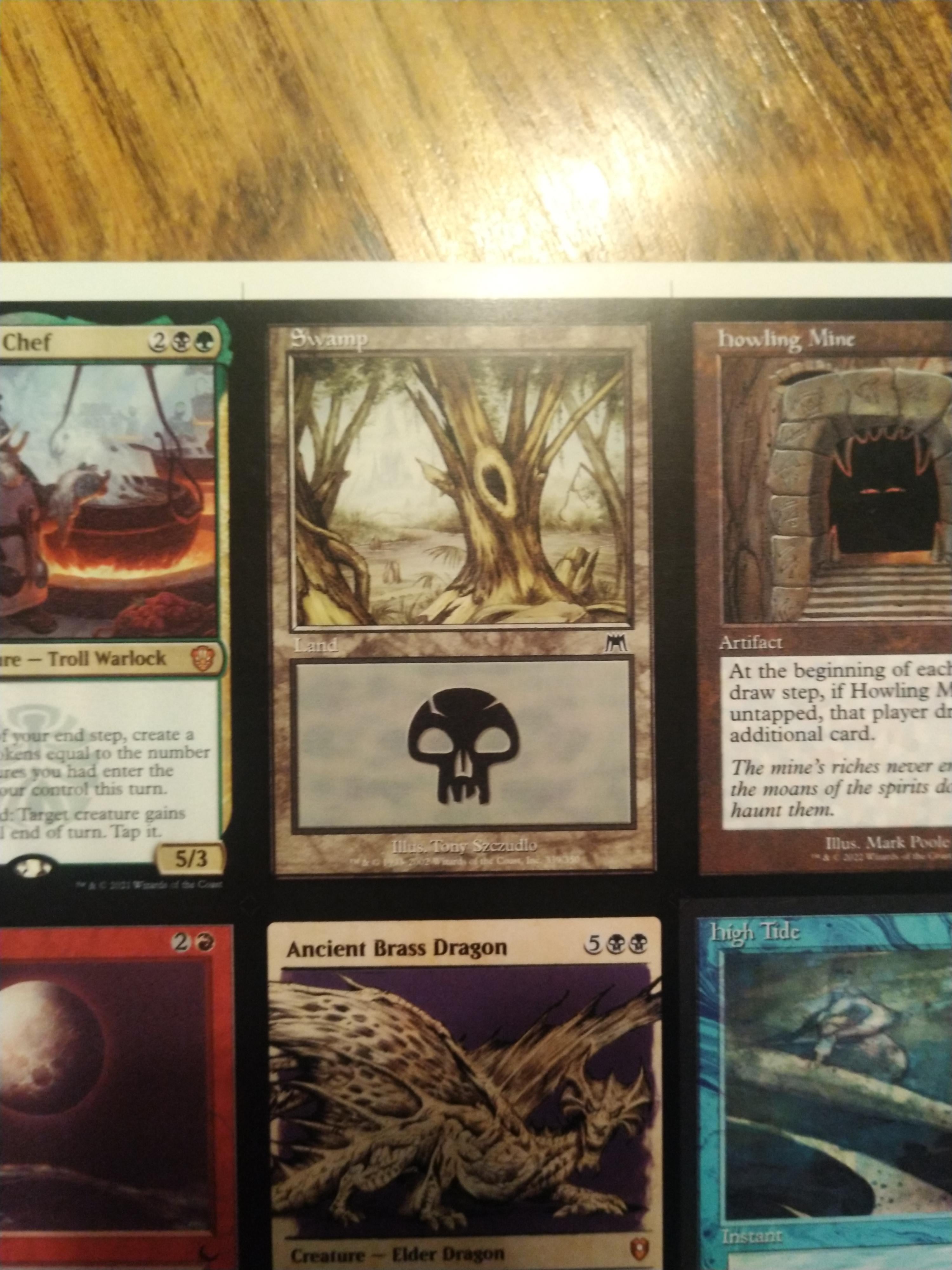
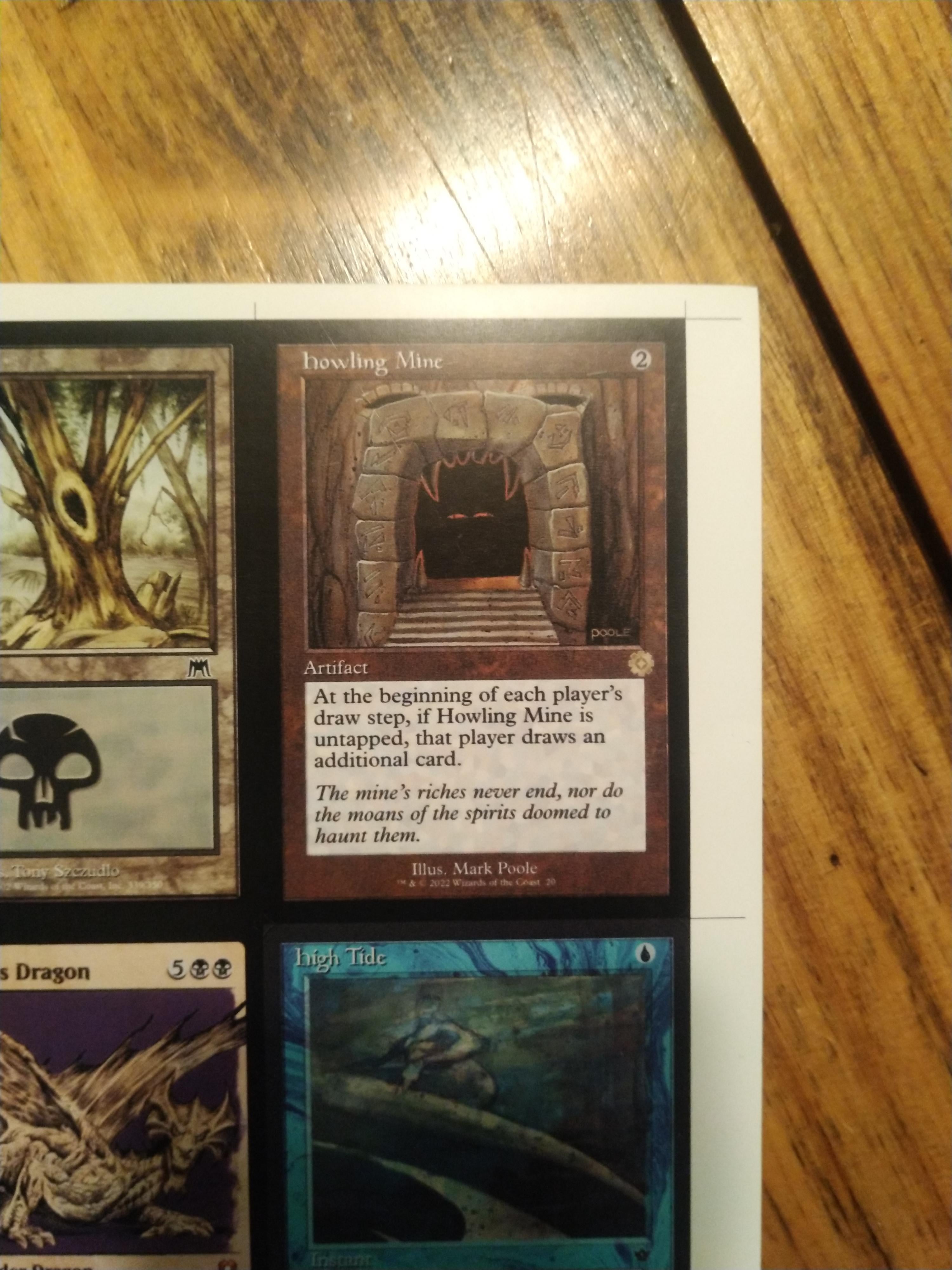
The print can be damaged with enough finger pressure or dragging. It does not smear, but it can dull down. That is important: these are still sleeved-play proxies. I would not treat this as a sleeveless card stock.
Feel and Spine
The card feel is where this paper gets interesting.
The surface is smooth with a tiny bit of drag under the finger. The spine is decent. If a real Magic card is a 10 and plain document paper is a 1, this was rated around a 7 raw and closer to an 8 when sleeved in clear TitanShield sleeves.
That is a solid result for direct inkjet cardstock. It is not perfect, but it has that “there is a core inside this” feeling that plain photo paper usually lacks.
Another tester put the snap even closer to a real card when using the seller-recommended layout, closer to 80 to 90 percent. That is probably the detail I would chase first: orientation and grain before changing paper entirely.
The Thickness Problem
This is the main drawback.
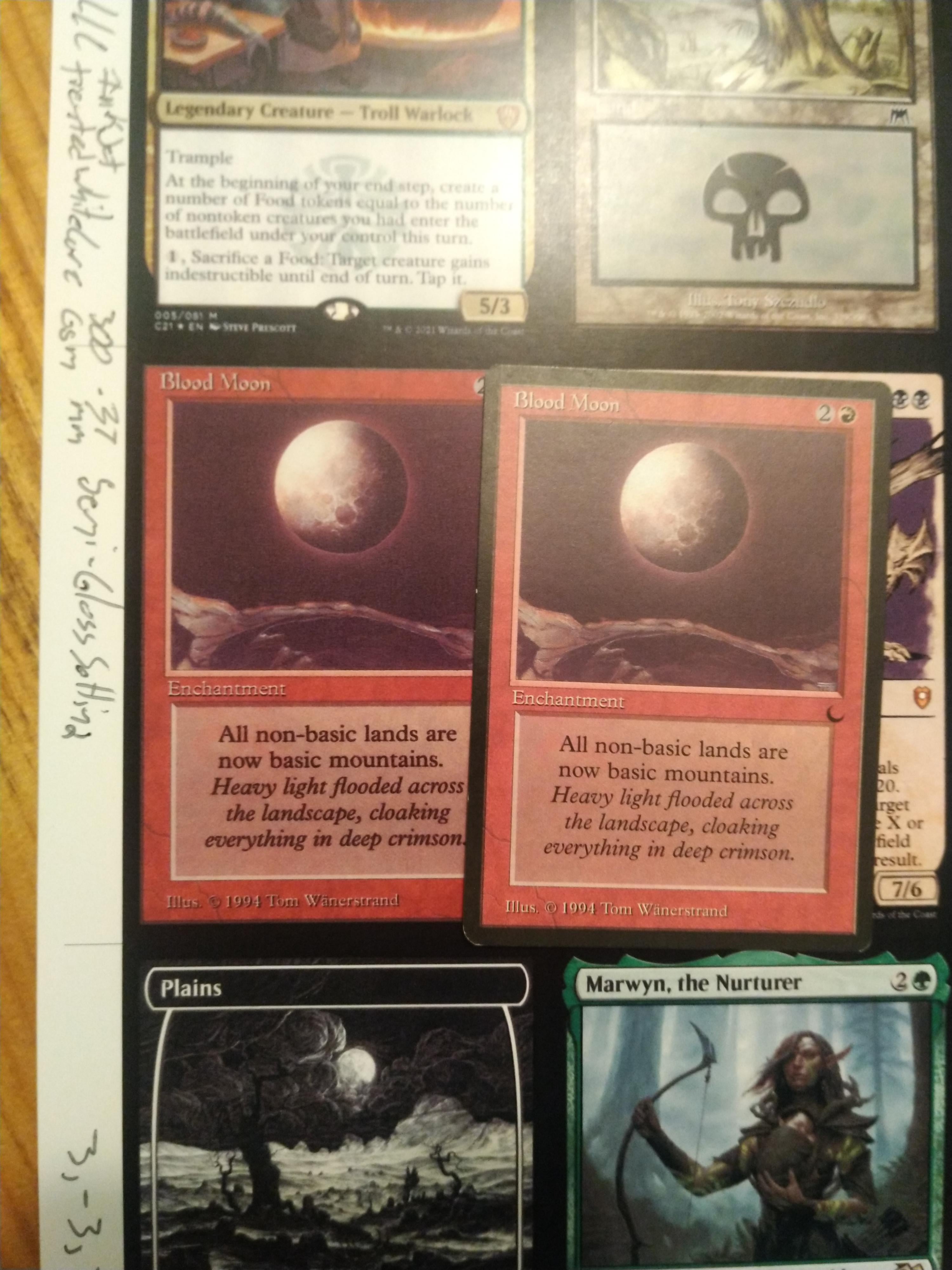
The paper measured around 0.38mm on calipers. A real Magic card is closer to 0.30mm. That difference does not sound huge until you stack 100 cards.
Across a full Commander deck, this paper adds roughly 8mm of extra height, or just under 5/16 of an inch. Another way to think of it: a 100-card stack can feel like it picked up the extra height of roughly 26 to 27 more cards.
| Card type | Approximate thickness |
|---|---|
| Real Magic card | 0.30mm |
| Proxyjak treated white core semi-gloss | 0.38mm |
| Difference across 100 cards | About 8mm taller than a full real-card stack |
This is why I would not use this paper for a full 100-card Commander deck unless the deck-box fit has already been tested. A few proxies mixed into a real deck? Much easier to justify. A whole deck? That thickness starts becoming the story.
Sleeving Was Not Smooth
The paper fought a bit when going into sleeves. That might sound minor, but it matters more than people think.
The issue does not seem to be only the printed ink. A blank unprinted piece had the same resistance. The paper itself sticks slightly against the inside of a sleeve, probably because of the treated semi-gloss surface.
For most people, that is just annoying. For someone with arthritis, nerve damage, or hand pain, it becomes a real usability issue. That detail is easy to overlook until you are sleeving 80 cards and hating your life.
If you only need a few proxies, no big deal. If you are building full decks often, this sleeve friction would push me toward thinner or less grabby paper.
Cutting and Backs
Cutting was clean and crisp in the main test. Another tester noticed slightly rougher cuts with a Dahle cutter compared with sticker paper on core stock, but the blade had already cut thousands of cards, so that may not be entirely the paper’s fault.
That is a good reminder: when cuts look worse than expected, do not blame the paper immediately. Check the blade, the cutter pressure, and the direction of the grain.
The paper is double-sided. In the sample sheets, one side looked more evenly coated than the other, but the backside still worked fine for modified backs.
Cost and Value
The tester used standard listed pricing rather than the current sale price. That is the correct way to judge value because Etsy sales come and go.
| Pack size | Standard price used in the test | Cost per sheet | Approximate cost per card |
|---|---|---|---|
| 20 sheets | $33.00 | $1.65 | $0.18 |
| 100 sheets | $81.00 | $0.81 | $0.09 |
At bulk pricing, the value gets interesting. Nine cents per card for the paper side is not bad at all if the card feel works for you.
The trap is buying bulk before testing the thickness. If this paper is too thick for your deck box or too sticky for your sleeves, the 100-sheet price stops being a deal and starts being a very neat stack of regret.
I would buy the sample first. Print the same sheet in 9-card portrait and 8-card landscape. Sleeve both. Stack them with real cards. Then decide.
How It Compares to Baryta Papers
This paper was compared mentally against higher-end baryta options, especially Innova Exhibition Photo Baryta 310gsm and Canson Infinity Baryta Photographique II 310gsm.
The baryta papers still seem to sit above this one for top-tier output. Canson may win on spine, while Innova has the advantage of a printable backside, even if the backside quality is lower.
The problem is that those papers bring their own quirks. Pigment ink can be easier to damage on some surfaces. Some sheets are not truly double-sided in the way proxy makers want. Some options cost more. None of this is as simple as “highest-end paper wins.”
This Proxyjak stock sits in the middle: easier direct inkjet proxy use, good color, solid snap, good bulk price, but too thick for full-deck comfort.
Where I’d Use It
I would use this paper for a few proxies in a mostly real deck, custom commanders, casual test cards that need to feel nicer than plain paper, or small batches where thickness does not matter much.
I would not use it for a full Commander deck unless I had already tested a full deck box stack.
| Use case | Verdict |
|---|---|
| A few proxies mixed into a real deck | Good fit |
| Custom commanders or pet cards | Good fit |
| Full 100-card Commander deck | Risky because of thickness |
| Unsleeved play | Not recommended |
| People who hate laminating | Worth testing |
| People who need easy sleeving | Maybe avoid, or test first |
The nicest thing about this paper is that it avoids lamination and sticker layering. That alone is a big deal. Sticker builds can look good, but the process gets old fast.
The frustrating thing is that the paper gets close enough to be tempting, then thickness stops it from being an obvious full-deck answer.
Likely Problems and Fixes
| Problem | Likely cause | What to try |
|---|---|---|
| Sheet will not feed | Thick specialty cardstock is hard for the printer to grab | Try a thin plain sheet behind it, but watch for jams. |
| Card feels too thick | 0.38mm stock builds up fast in a full deck | Use it for partial proxy counts or test 8-card landscape for better rigidity before deciding. |
| Card fights the sleeve | The semi-gloss treated surface has drag | Try different sleeves, but assume the paper itself may be the issue. |
| Print dulls under pressure | Surface can be damaged by hard finger pressure or dragging | Use sleeves and avoid raw handling tests that do not match real play. |
| Roller marks show | Printer feed pressure on treated semi-gloss stock | Check at different angles. If obvious, try feed tricks or different printer settings. |
| Snap is not good enough | Layout may be fighting the paper grain | Test the seller-recommended 8-card landscape layout. |
| Back side looks different | Coating may be more even on one side | Print a modified back test before making double-sided cards. |
| Pigment ink behaves badly | This stock is listed as dye compatible, not pigment compatible | Use dye-based printing or test very cautiously before buying more. |
Bottom Line
Proxyjak’s treated inkjet white core semi-gloss cardstock is a good mid-tier proxy paper with one serious drawback.
The print quality is good. The colors are strong. It cuts clean. It has real spine. It avoids sticker layers and lamination. At bulk pricing, the paper cost per card is reasonable.
The thickness is the problem. At 0.38mm, this stock is just too chunky for a full Commander deck without doing a real deck-box test first. The sleeve friction also matters, especially if you have hand pain or just hate fighting sleeves.
For a few high-quality home proxies mixed into a real deck, this paper makes sense. For 100-card builds, I would be cautious. It is close, but not quite the clean full-deck answer I’d want.
If you are comparing more paper options, start with MTG Proxy Cardstock. For printer choices, check MTG Proxy Printers. For layout and cutting tools, use MTG Proxy Tools.
Inspired by: Treated Inkjet Whitecore, semi-gloss 300gsm .38mm test, Epson 8550 inkjet by u/danyeaman.
Comments (0)
Join the discussion. Log in or create an account to comment.